Product: Quark Docurated (QD)
This document will help check the status of a recently uploaded document in QD.
Please follow the below steps:
- Upload the document using your local machine or Box or any other preferred source.
- Once the document is uploaded, it should be searchable in the QD Search bar.
- In case it is not, go to Analytics > Processing.
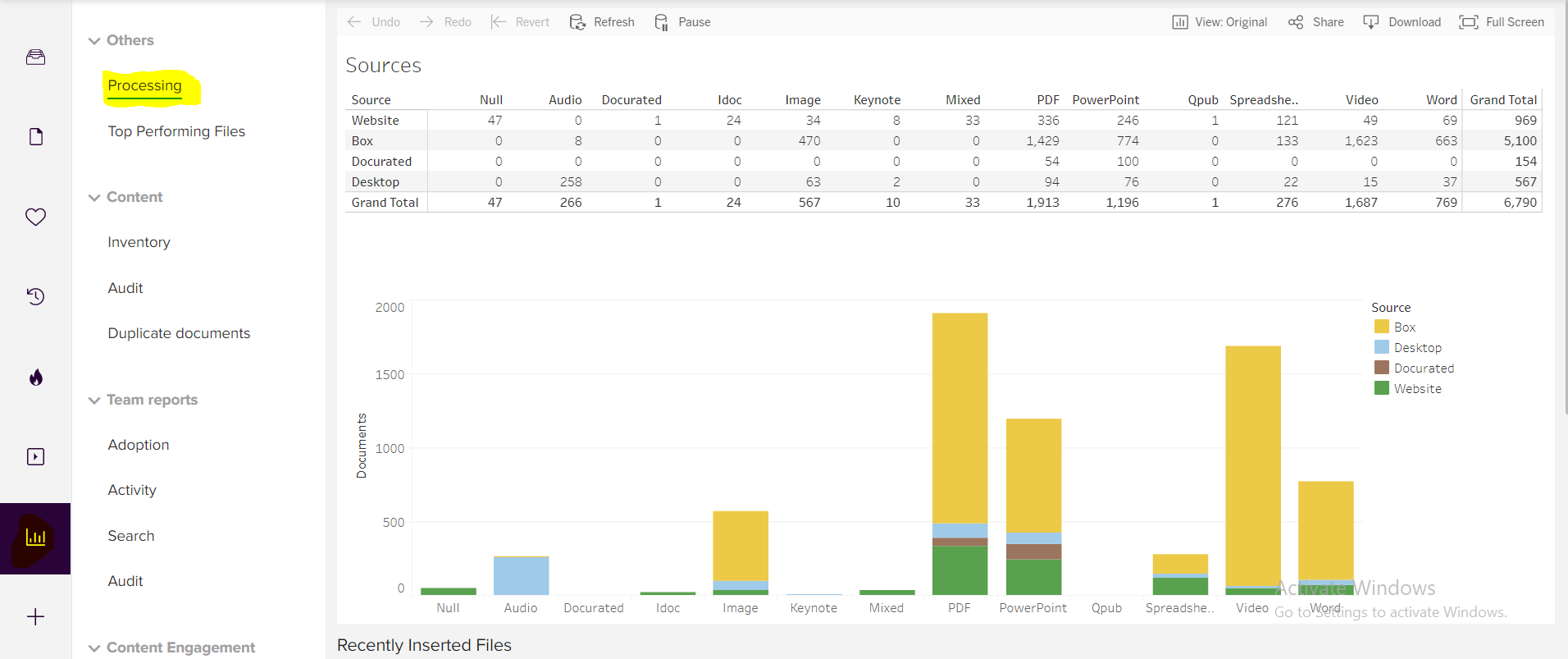
- After the Processing tab appears with the data, scroll down and the ‘Recently Inserted files’ section will appear.
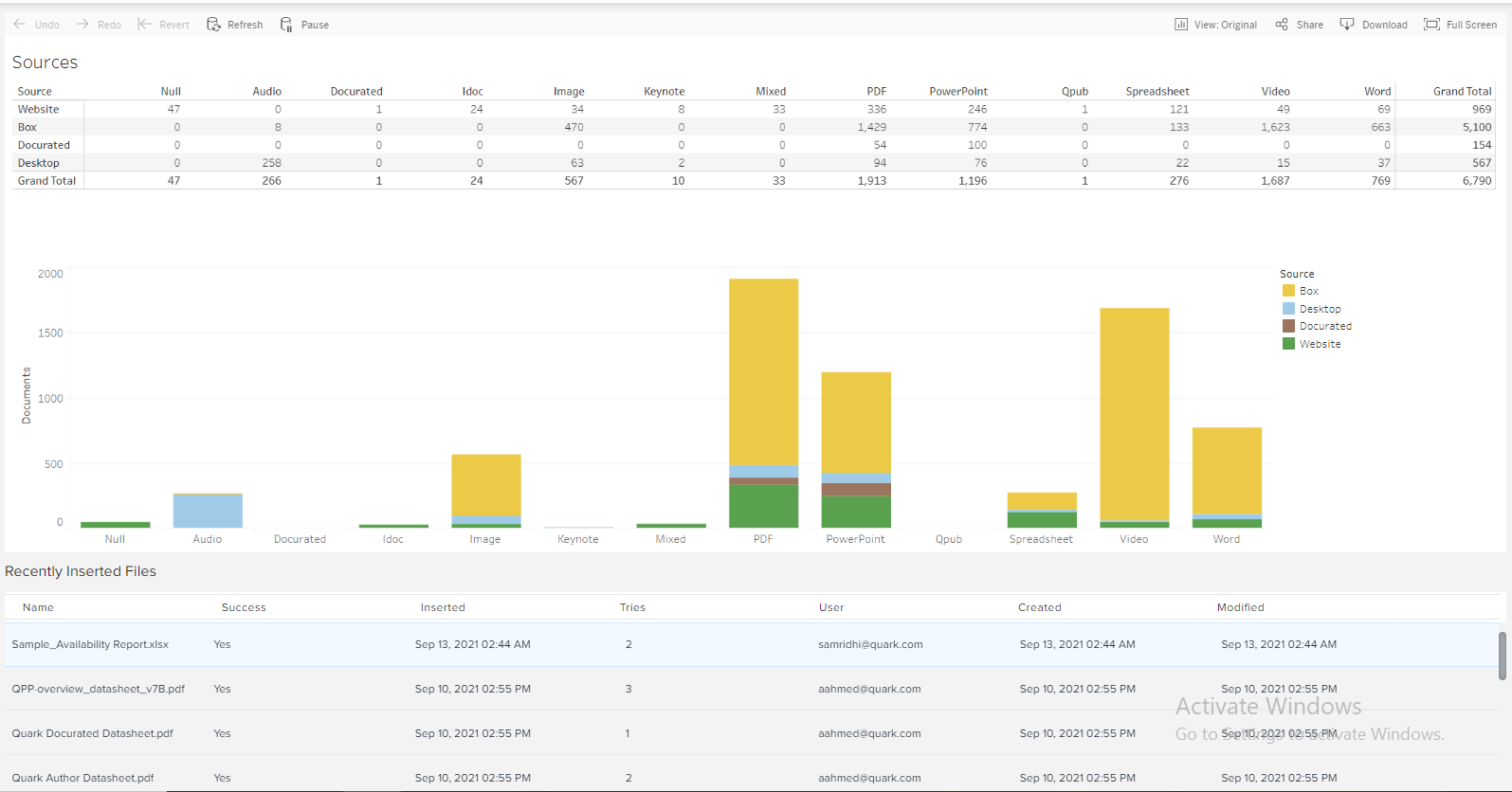
- Section consists of multiple tabs including the Name, Time inserted, Tries, User who inserted the file etc.
- Check for the ‘Success’ tab as will indicate if the file has been successfully uploaded.
- Using this option, user can figure if the file they uploaded has been successfully uploaded or if the user needs to try again.
Priyanka Bhotika
Comments