Product: Quark Docurated (QD)
This document will help in using the ’Add Content’ option for local files in QD.
Please find below the steps:
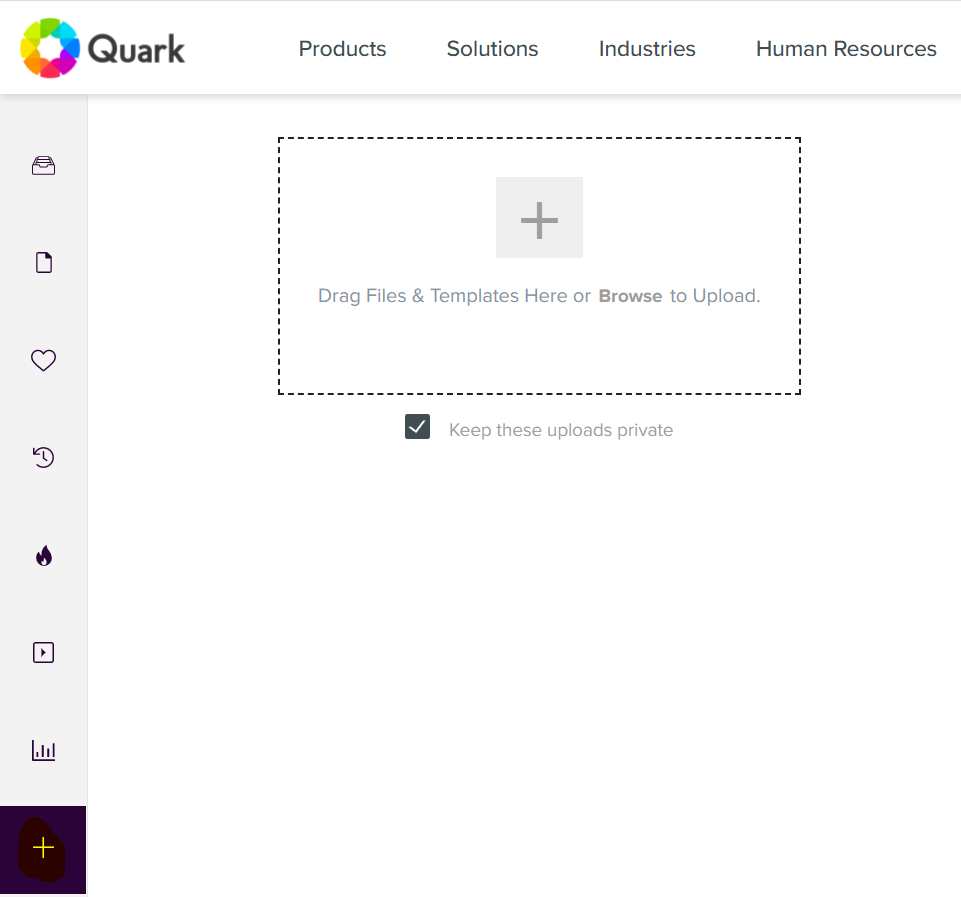
- Open QD and select the ‘+’ icon on the bottom left.
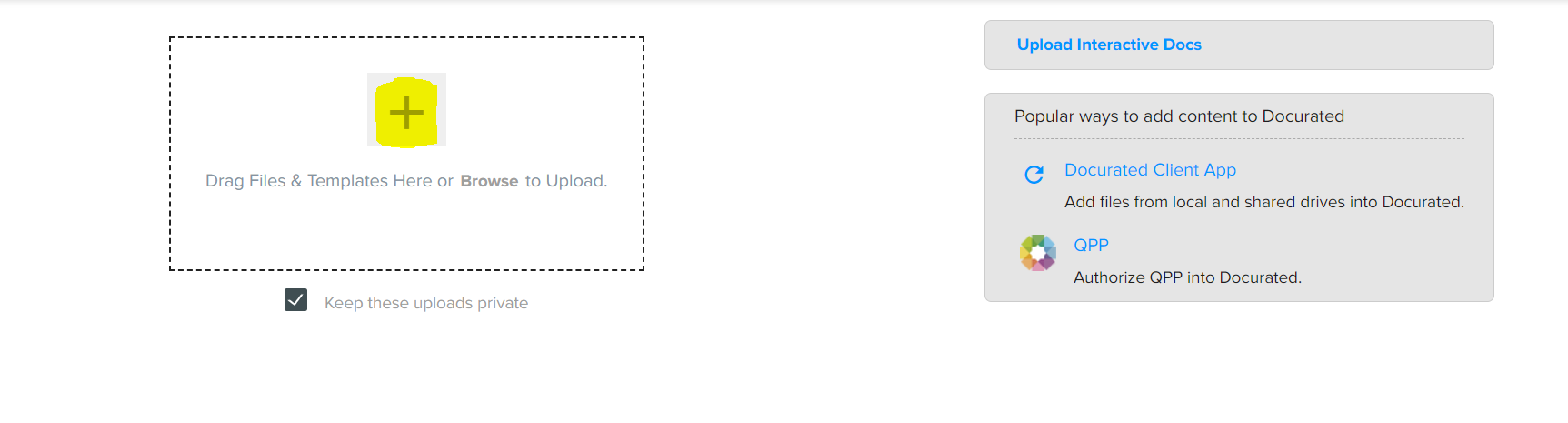
- Click on the ‘+’ icon (as highlighted) and select the file you’d like to upload from your local system.
- Currently, the types of formats that are accepted in QD are: PDF’s, PowerPoints, Excel Spreadsheets (.xlsx, .xlsm), Word (.docx) Keynote version (version 6, .key) and images (.jpg, .gif, .png).
- Video files (.3gp , .avi, .mov, .flv, .mp4, .qt, .wmv) and PowerPoint templates (.potx) can also be uploaded after this feature has been enabled.
- After selecting the file, QD will take a few minutes to upload the file.
- Once the file is uploaded, you can search the file in the Search bar in QD .
Priyanka Bhotika
Comments