Product: Quark Docurated (QD)
This document will help in sharing content with recipient via Salesforce.
Actions on QD :
- Go to QD and make sure your content is already uploaded in the site.
- To check if the document is present in QD , go to the search bar and type the details (Such as title or content or metadata etc.) and the relevant document should pop up.

Actions on Salesforce:
- Go to your Salesforce account login.
- Open the Account/Contact Name to whom you’d like to share the document.
- Select the Quark tab in the objects tab section.
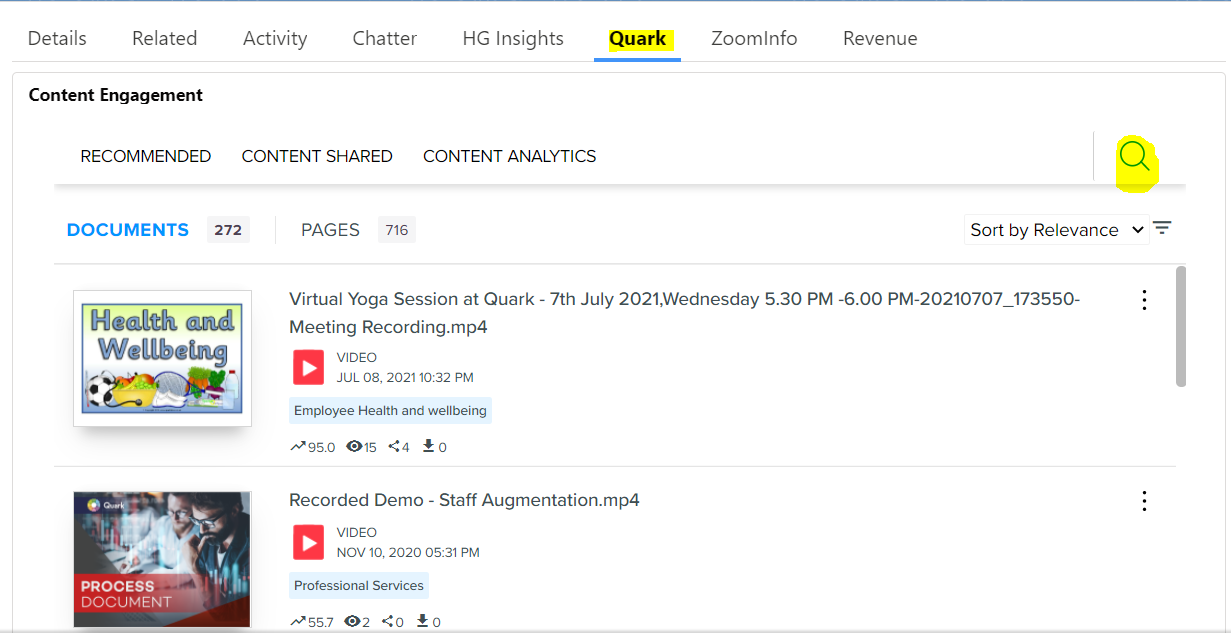
- After selecting the tab, content from QD should be displayed.
- In case you’d like to search for content, you can also use the search button.
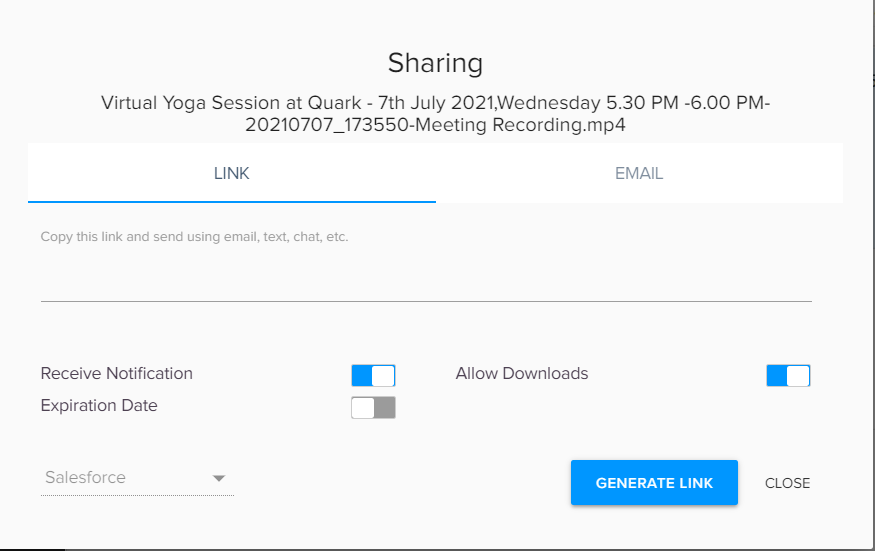
- Once the relevant content is found, click on the 3 dots and select the Share button.

- Select the options per requirement and click on Generate link.
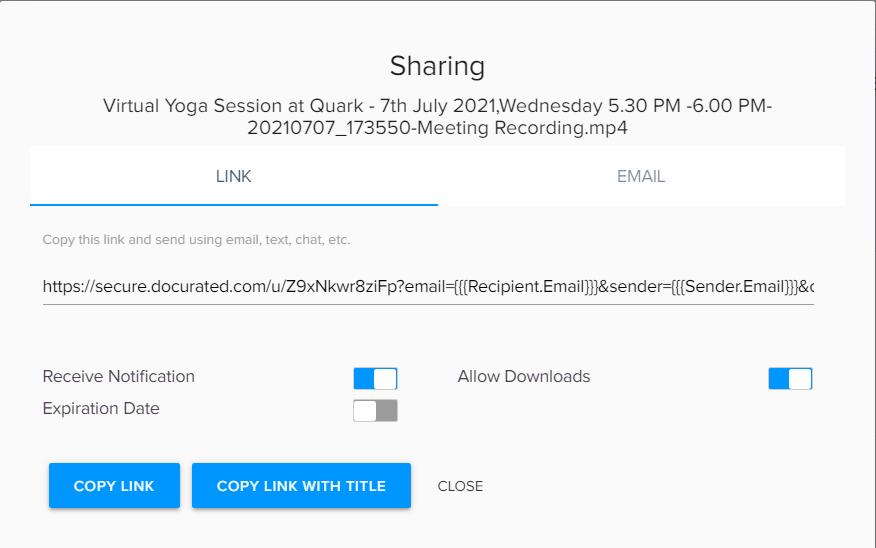
- Salesforce will generate a shareable link specific to Salesforce.
Copy it and send it to the required recipients.
Priyanka Bhotika
Comments