Product: Quark Docurated (QD)
QD allows you to connect to your Gmail box and add attached files to QD.
In order to enable Gmail sync in QD, follow the steps below:
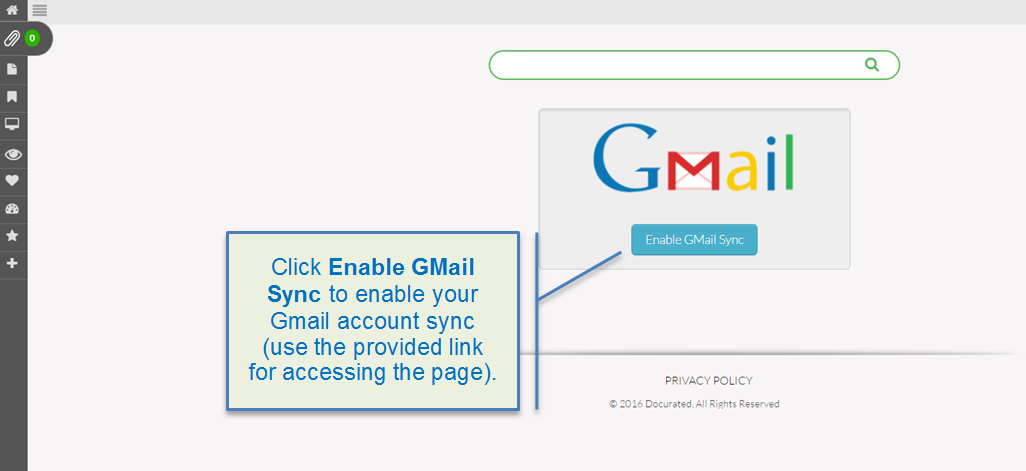
- Use the following link to navigate to the Gmail sync configuration page: https:// secure.docurated.com/gmail/configure.
- Click the Enable Gmail Sync button and allow Gmail sync. 
- Allow access to the Dropbox files for QD by clicking the Allow button (if accessed for the first time).
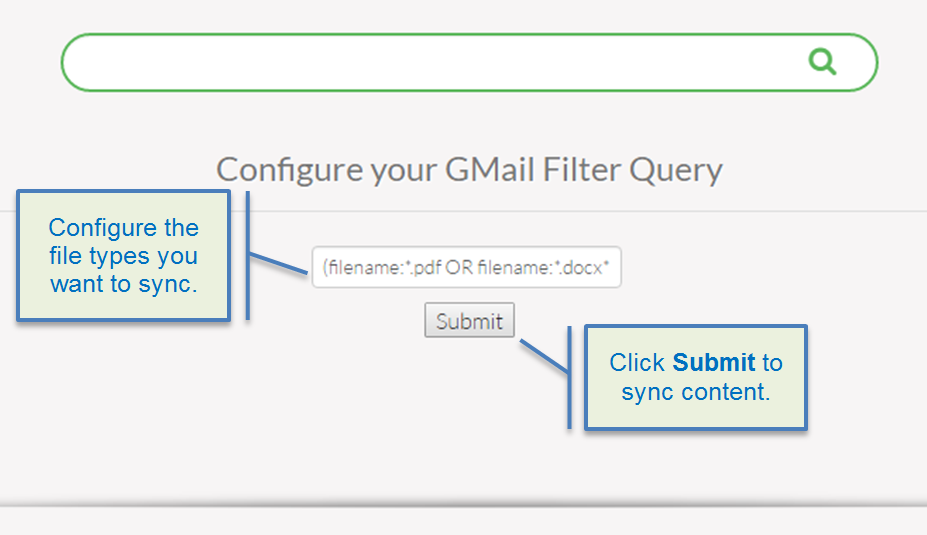
- Specify what file types to sync in a filter query and click Submit.
-
Only pdf, ppt, and doc file types can be synchronized.
- Once Gmail integration is configured, the attached files from you Gmail box will now appear in QD.
Priyanka Bhotika
Comments