Product: Quark Docurated (QD)
If you are using Exchange 2013, synchronization with your account can be configured to add documents from Exchange to QD.
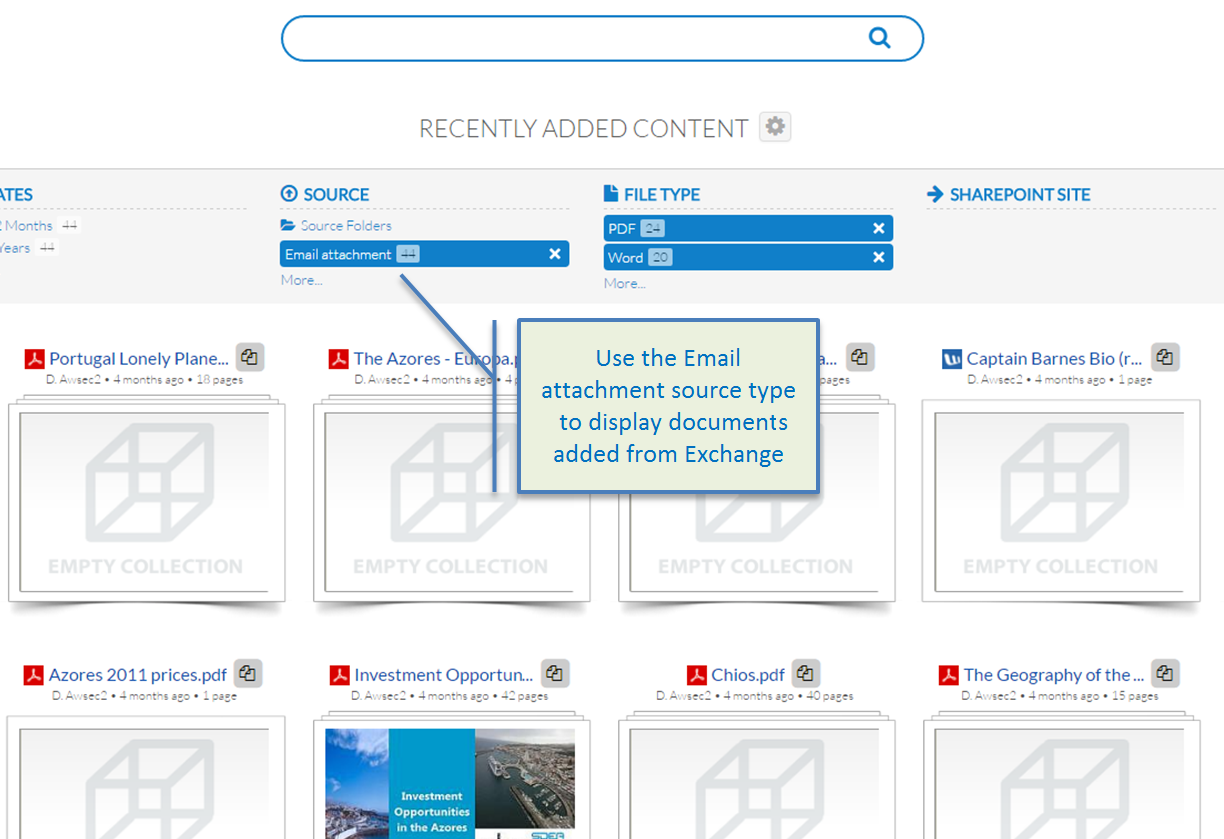
If configured, files attached to Emails (except for images) are automatically synchronized to QD. To work with the content from Exchange:
- Search for specific files using the Email attachment source type.
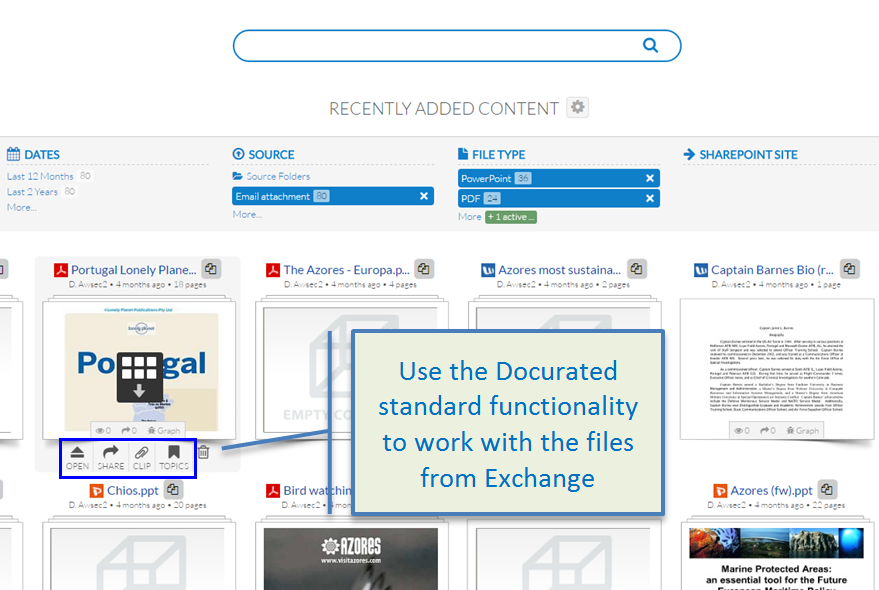
- Open documents from Exchange using the "Open" button.
- Share or add documents from Exchange to the Clipboard using the appropriate options.
Note: Only file types supported by QD are synchronized from Exchange.
Priyanka Bhotika
Comments