Product: Quark Docurated (QD)
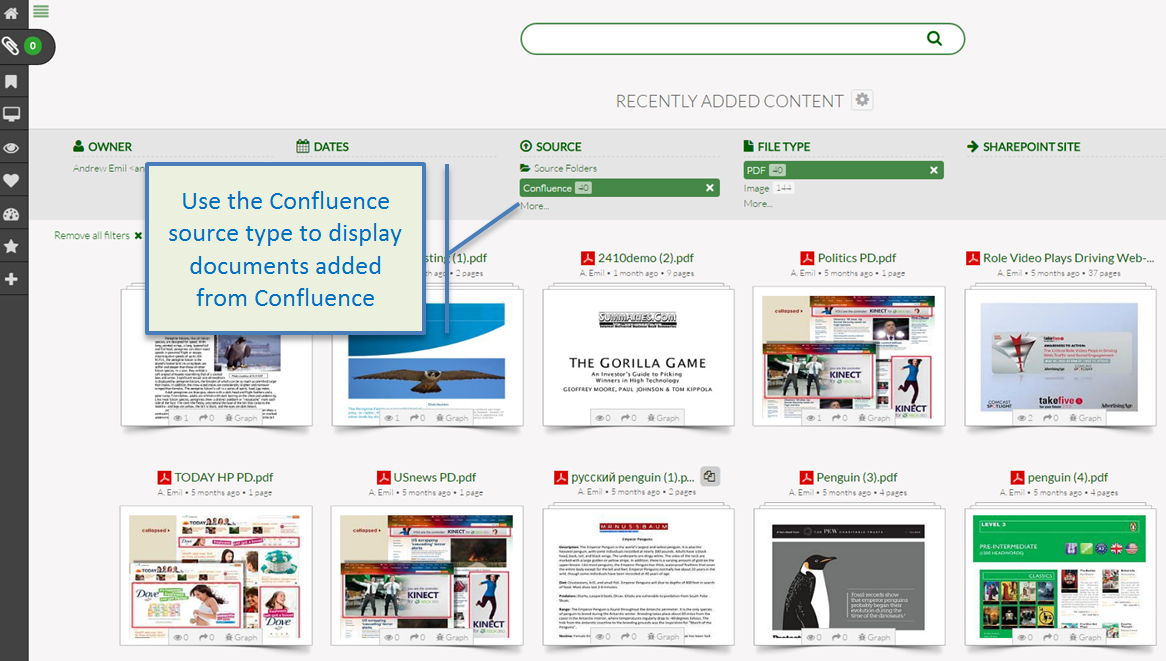
Synchronization with a Confluence account can be configured to add documents from Confluence to QD.
If configured, files attached to a Confluence page, inserted on a page, added in the Comment field are automatically synchronized to QD. To work with the content from Confluence:
- Search for specific files using the Confluence source type.
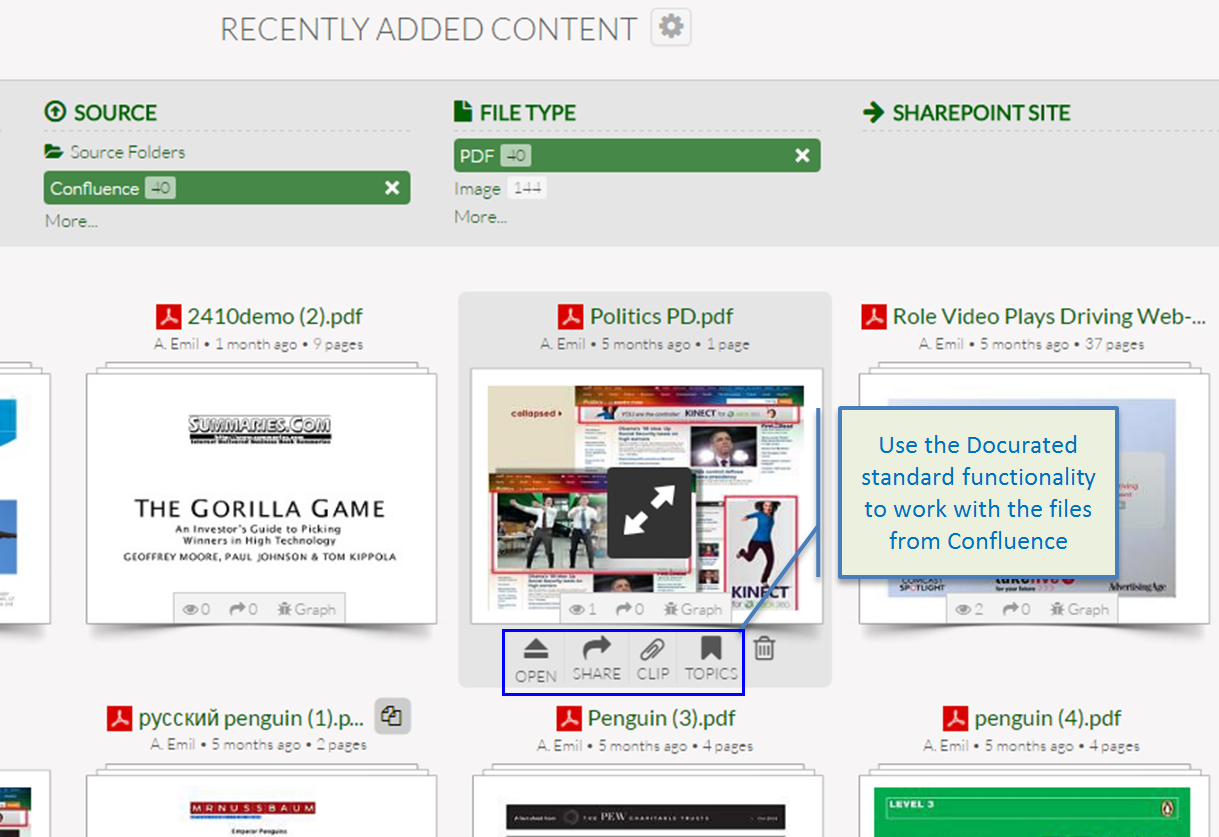
- Open documents in Confluence using the "Open" button.
- Share or add documents from Confluence to the Clipboard using the appropriate options.
Note: Only file types supported by QD are synchronized from Confluence.
Priyanka Bhotika
Comments