Product: Quark Docurated (QD)
You can curate and share documents using your mobile device by downloading and installing the QD Mobile App. The mobile app is supported on both iOS and Android platforms.
To install the Mobile App and log in to your QD account:
- Navigate to Apple Store or Google Play and search for QD .
- Click the Download button to download and install the application.
-
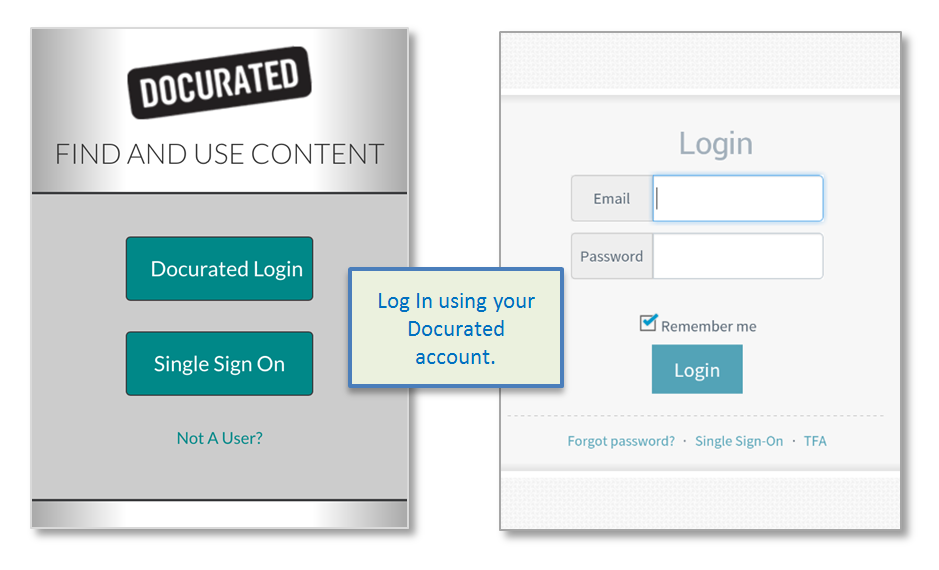
Once installed, open the Mobile App and log in to your QD account.
- If your organization is using Single Sign-On, use the SSO option to log in.
-
Once logged in, it is possible to:
- Search for specific documents or files.
- Add curated documents or files to the Clipboard.
- Save documents to your mobile device.
- Share documents or files.
Priyanka Bhotika
Comments