Product: Quark Docurated (QD)
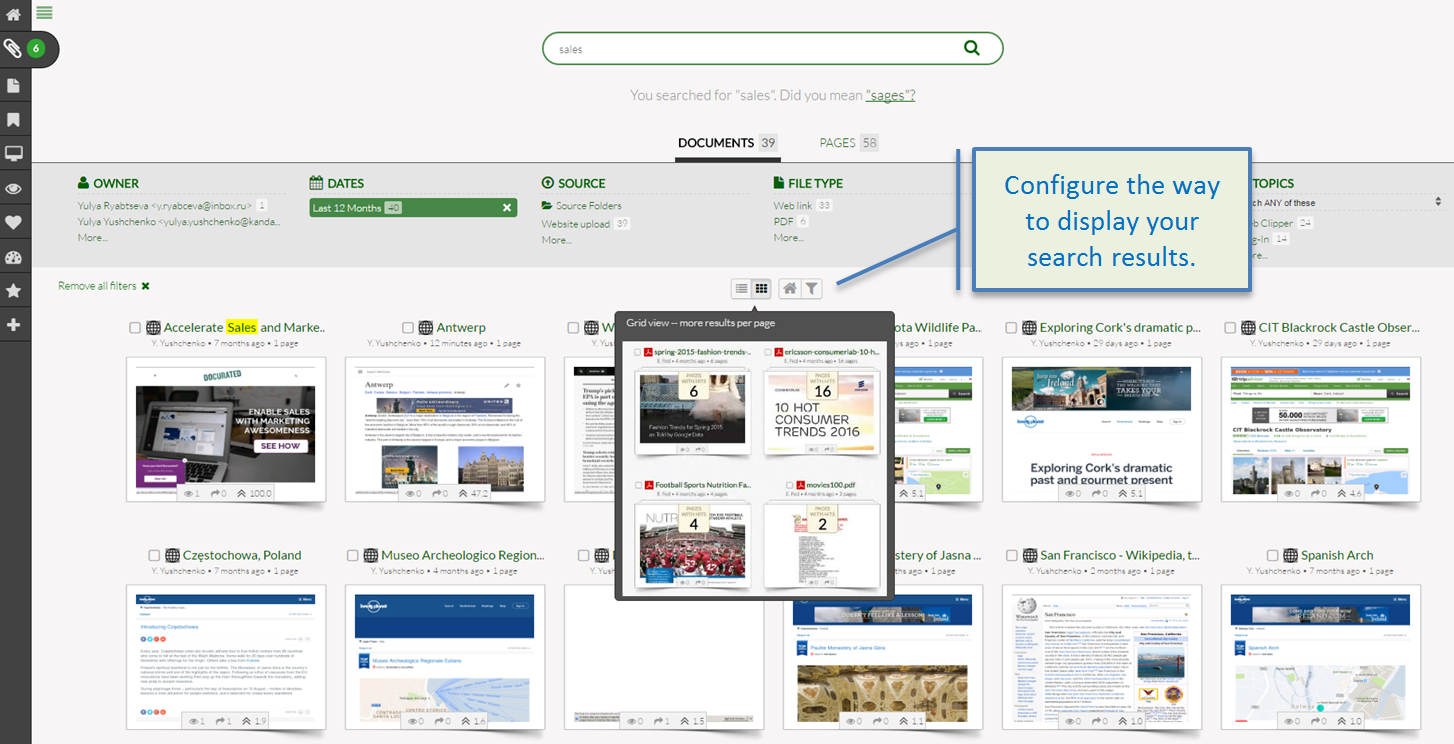
You can also configure the way search results are displayed:
- Click the "List View" or "Grid View" icon to select the way your search results will display.
- To save a set of search results as your homepage, click the home icon under the filters.
- To save the currently applied filters as the default filters for future searches, click the funnel icon under the filters.
Priyanka Bhotika
Comments