Product: Quark Docurated (QD)
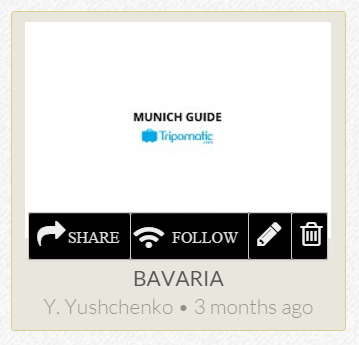
- Hover over a topic and click the "Share" button.
-
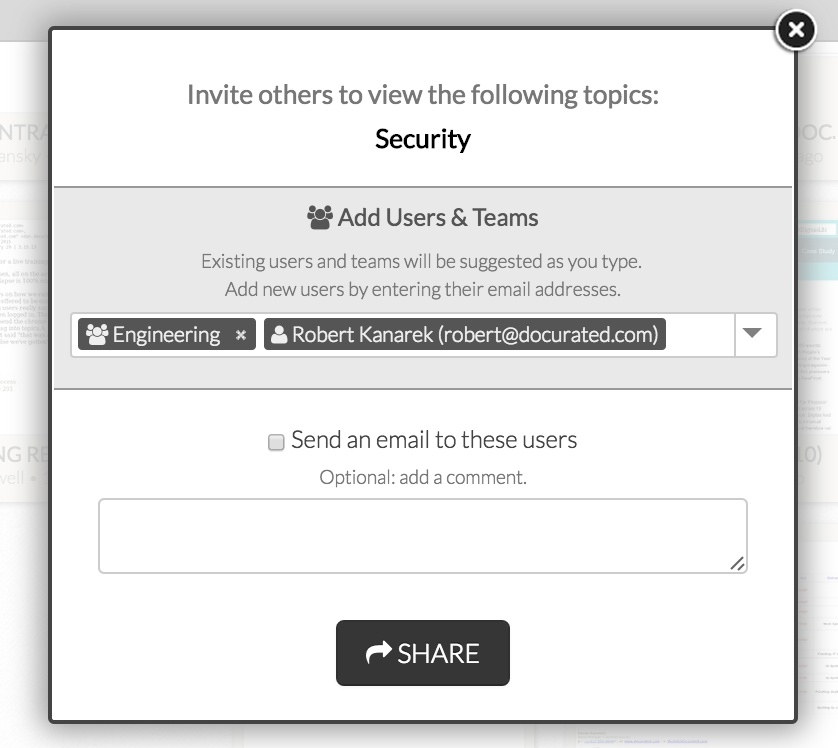
In a window that is displayed, add users and teams, including organization, by selecting an existing user or organization from the drop-down, or typing a new user's email address. Optionally, you can do the following:
- Manage access to everyone at your organization by selecting the Everyone at "Organization Name" option from the drop-down.
- Send notification emails to newly added users or teams (check the box to send a notification email). Optionally, add a comment to the notification email.
- Remove added users and teams by clicking the X icon.
- Click "Share".
Priyanka Bhotika
Comments